

Setting up a Click & Collect service: how and with which tools?
Click & Collect is a highly valuable and effective service today. Indeed, it offers real benefits for both customers and businesses.
However, implementing it can be challenging for companies. Here are our tips to help you set up this service within your business.

Table of Contents
What is Click & Collect?
Advantages of Click & Collect
How to implement Click & Collect?

What is Click & Collect?
Definition
Click & Collect is an online purchasing service followed by a physical in-store pickup. During the Covid-19 crisis, it experienced significant success, with its usage increasing considerably. Indeed, since Click & Collect reduces customer traffic inside stores, the government heavily encouraged this service during lockdowns. Today, the expansion of points of sale offering Click & Collect continues as businesses realize the benefits of such a service and its massive success with customers.


A new consumer behaviour
Online shopping is now at the heart of our lives. Consumers have developed a strong habit of buying over the internet: customers place their orders and, once validated, can head to a local store near them to pick them up. The business can also choose whether payment is made during the online checkout or upon in-store pickup. In some cases, stores can even offer a specific pickup service, meaning customers can collect their orders directly from their car.
Key figures on Click & Collect
82% of consumers believe that businesses would benefit from strengthening their Click & Collect service, according to a 2020 study conducted by Dalenys and OpinionWay. The digital shift has allowed people to adopt a new pace and way of consuming, characterized by fewer trips, an increase in online shopping, and a reliance on affordable, practical, and fast delivery options.
Furthermore, according to another study conducted in July 2020 by Bazaarvoice, 74% of respondents stated they want to shop more frequently to independent businesses. Consumers are increasingly focusing on local actions and stores near them, making it highly advantageous for businesses to implement a Click & Collect system.

Advantages of Click & Collect
A positive experience during the customer journey
Today’s consumers are connected users who have everything they want right at their fingertips thanks to the internet. It is incredibly easy for them to order online and get items delivered from anywhere in the world, at any time of the week. While they value the proximity of local stores, they will not hesitate to look elsewhere if they face complications or a waste of time.
The main advantage of Click & Collect is that potential buyers know instantly whether the product they want is in stock, and it costs them nothing to reserve it. The customer won’t make a trip to the store for an item that is out of stock, thus avoiding a potentially negative experience or a long wait in line.

Saving time and money
Click & Collect saves both time and money for everyone involved. For stores, it streamlines inventory management, reduces customer traffic during peak hours, and projects a modern, tech-savvy brand image. On top of offering this new service, and unlike home delivery, the customer still visits the physical store to collect their order, which can often trigger additional purchases.
For the customer, it is incredibly convenient to reserve a product for free at a local store, bypass long checkout lines, and avoid the disappointment and wasted trip of finding an item out of stock. Customers appreciate saving time while eliminating shipping fees altogether. Beyond these efficiency gains, this type of service also fosters strong local economic momentum by boosting neighborhood consumption.
How to implement Click & Collect?
Different available tools
There are several solutions for businesses to make a Click & Collect service accessible. Indeed, many companies choose to link their Click & Collect service to their website, mobile application, or social media channels. However, it is important to remember that they can also offer this service directly through their catalogs and PDF documents.
Indeed, with Interactiv’ Doc, you can seamlessly link your Click & Collect service to your catalog. Interactiv’ Doc enables you to set up interactive flipbooks. These advanced page-flipping PDFs allow you to create interactive zones (videos, links, etc.), analyze your online audience’s behavior, collect their data by implementing forms, and natively optimize your documents for search engines while also setting up a built-in Click & Collect and ordering system.
Integrating Click & Collect into your catalogs with Interactiv’ Doc offers several key benefits. When your online visitors browse your interactive catalogs, they can choose to use the Click & Collect request option. As a business, you can decide whether you want to enable your customers to pay directly online by linking your catalog to your website, or if you prefer to allow them to pay upon pickup in-store.

Setting up a Click & Collect service on your interactive catalogs
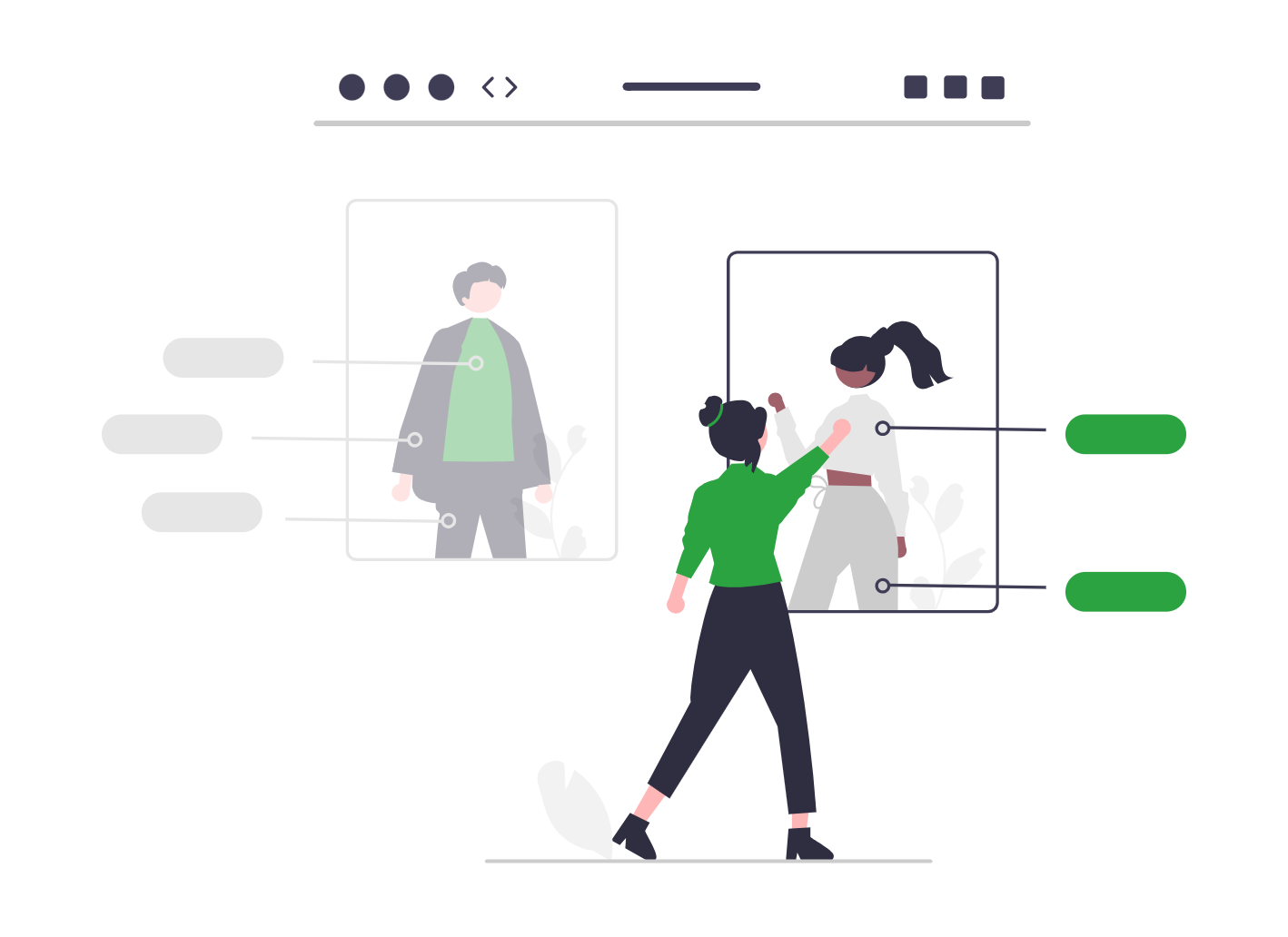
To implement this Interactiv’ Doc Click & Collect system in your catalog, all you need is a PDF catalog displaying the products available in your stores, and an Excel file to link to it. Once this file, which contains information such as product references and prices is imported into the Interactiv’ Doc platform, online users can create their product lists and use the Click & Collect system. It is then up to you to process the “order request” emails and manage your inventory.
Would you like to know if your catalog can include this service? Learn more about this feature by clicking the button below.
Use of Click & Collect by customers
Your online users will just have to flip through the interactive catalog created on Interactiv’ Doc and choose which products to add to their Click & Collect cart. Then, they will be able to manage their selected products by accessing a product list where they have the possibility to add or delete items. After validating this list, the customer will need to fill out a form containing custom fields defined by the business. Once the order is placed, the company will receive an email with the order summary in order to prepare it and manage stock levels. Their customer will also receive an automatic “order placement” email, customized by the business. After this validation, the customer can then head to the store to pick up their products.