


Collect lead emails with your interactive catalog
Introduction
A classic PDF catalog is usually not very impactful. An interactive catalog, however, can also naturally capture lead email addresses as users read, thanks to integrated forms.
By offering your readers the chance to download all or part of your catalog in exchange for their email, fill out a contact form, or submit a quote request, Interactiv’ Doc transforms a passive communication tool into a powerful lead generation engine.
Its tracking tool allows you to centralize and export the collected contacts to integrate them into your marketing campaigns.

Your interactive catalog can become a major tool for collecting new lead data, in addition to your website. Your e-catalog readers can download your entire catalog or a selection of pages in exchange for their email address. Thanks to Interactiv’ Doc, you can therefore easily build your email database and strengthen your email marketing campaigns.

Reach Internet users on desktop, tablet, and mobile
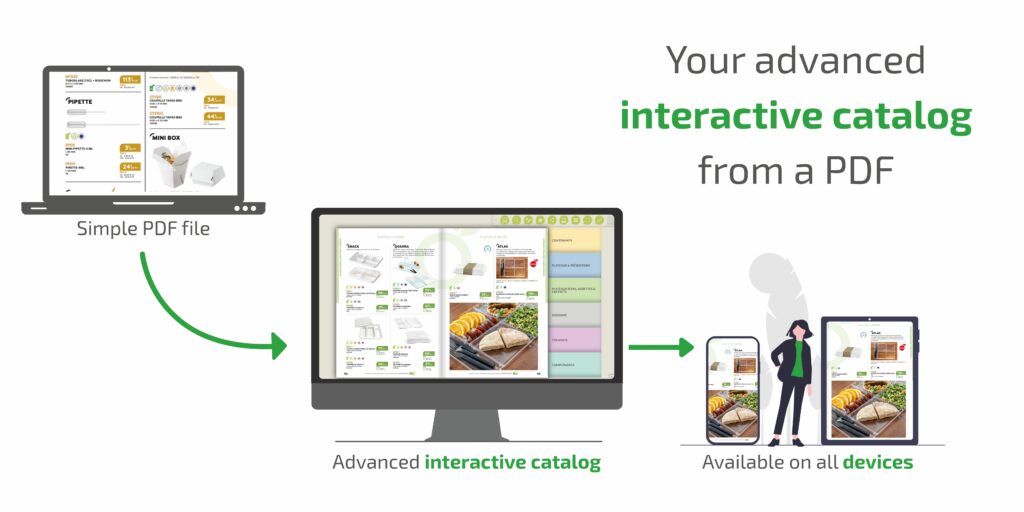
More than 52% of internet traffic is now on mobile devices. The majority of interactive catalogs on the market are in Flash; they do not adapt to smartphones and tablets. Interactiv’ Doc is developed in HTML5 to be fully compatible (and very fast!) with these new devices.
For sales teams, we also offer to take an offline version of any catalog on their tablet or laptop to client meetings.
Easily export your emails to CSV
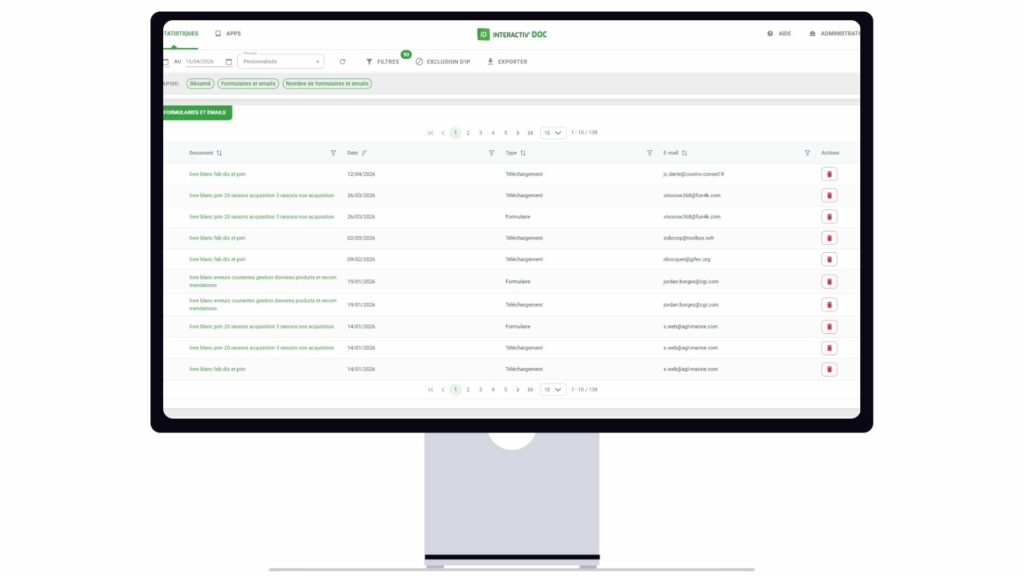
From your Interactiv’ Doc space, you can easily see the number of emails each of your catalogs has collected. In one click, you can export the email addresses of one of the catalogs, or of your entire library. The format is compatible with Microsoft Excel and can also be imported into emailing solutions, such as MailChimp, Sarbacane, or SendinBlue.
Determine the trends of your catalog
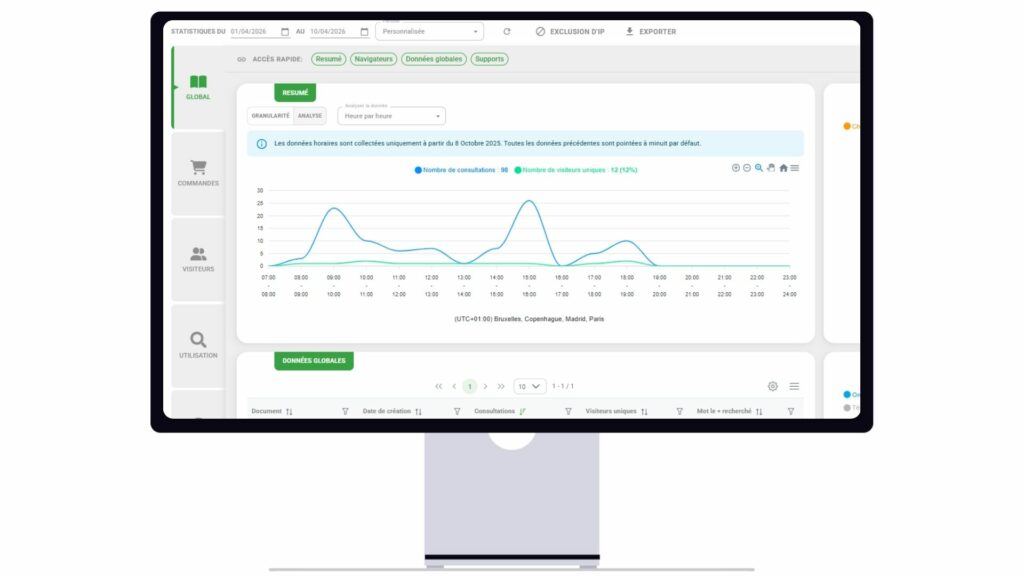
Our interactive catalog allow you to determine the main areas zoomed in or clicked on in your catalog. Based on your table of contents, your illustrations, and the pages that have captured the most attention from your readers, you can estimate which products or services attract them the most.
The searches from our built-in search engine are logged in your administration interface. Grouped by search queries, you can see the most typed words/expressions by readers, which will allow you to find new keywords for your marketing campaigns.
Conclusion : publish a catalog on Google to get more traffic
Collecting lead emails doesn’t necessarily require a new acquisition campaign. Your interactive catalog can transform into a natural acquisition channel to generate new qualified contacts.
By combining email-gated downloads, information request forms, quote requests, detailed viewing analytics, and simplified exports to your emailing tools, Interactiv’ Doc enables you to enrich your lead database while maximizing the value of content that your teams have already produced.
Want to see this feature on your own PDF? Request a free 30-minute demo of our solution led by our interactive catalog experts using the attached form.
Going further…
FAQ (Frequently Asked Questions)
Readers can freely browse your online catalog. Then, if they want to download the entire document or a selection of pages, they must enter their email address. They can also fill out a form to request additional information. Furthermore, once they have made their choice, they can add products to their cart and submit a quote request. Every contact is automatically added to your database, accessible directly from your Interactiv’ Doc dashboard.
The download form can be configured to collect additional fields (name, company, phone number, etc.) based on your sales needs, in addition to the email address.
From the Interactiv’ Doc analytics module, you can export the email addresses from a specific catalog or your entire library with a single click, in an Excel-compatible format.
Yes, it applies equally to product catalogs, sales brochures, or any interactive documents (annual reports, corporate brochures, etc.) published with Interactiv’ Doc. It depends on the features (forms, email-for-download, quote requests, etc.) that you set up when creating your virtual interactive catalog.