


How to automate the creation of your product catalog?
Creating a product catalog, a sales brochure, or a technical document is often time-consuming and tedious. This task requires significant human and technical resources in order to produce a high-quality document that reflects your brand image and customer engagement. As a result, marketing, communications, and design teams face a real challenge with each production cycle.
However, automated layout in InDesign simplifies the process by automating the creation of product pages, helping you save time and limit errors. This automation enables faster, more reliable, and more flexible production, while preserving the creativity and precision of Adobe InDesign.

What makes product page automation possible ?
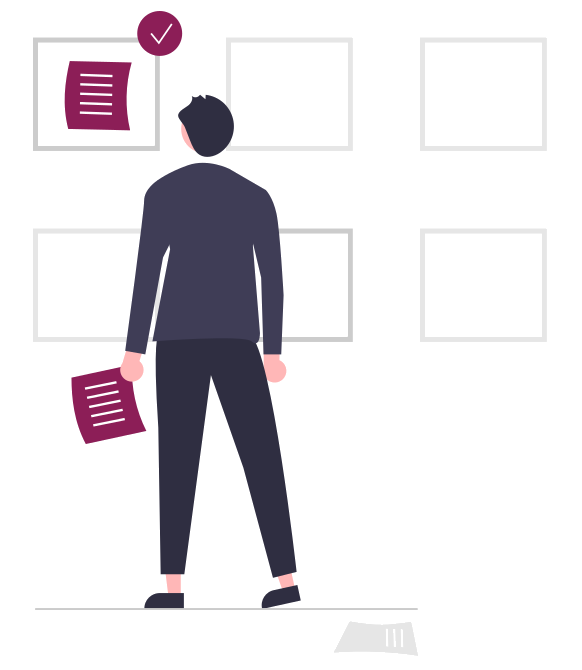
In a traditional catalog creation process, graphic designers create several product layout templates, select them as they go, and add data using copy-and-paste.
However, this approach is complex. Manual copy-and-paste can lead to errors, proofreading is time-consuming, there are numerous back-and-forth exchanges regarding data, and the work can become repetitive and tedious.
Automated layout in InDesign allows you to perform the same copy-and-paste tasks automatically rather than manually. As a result, you reduce the risk of graphic inconsistencies across your materials, decrease production time, and enable your teams to focus more on higher value-added tasks.
How does product page automation work?
EasyCatalog is an InDesign plug-in that automates the layout and generation of product pages.
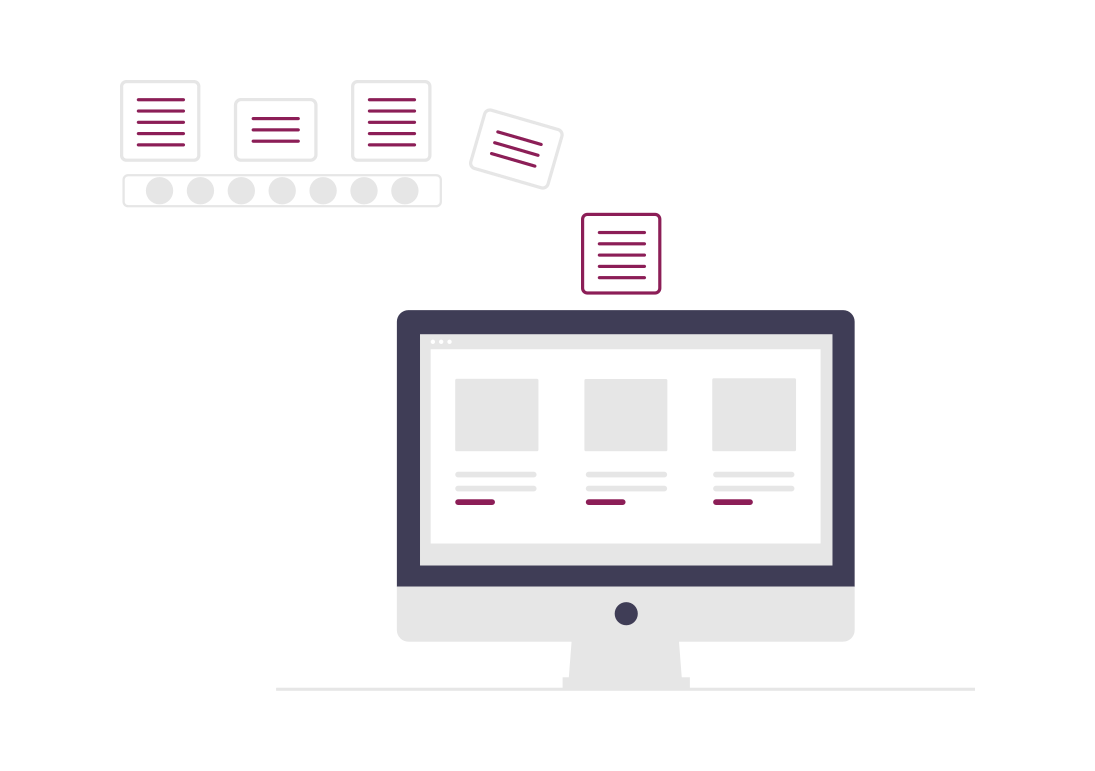
EasyCatalog creates a link between your data source—where your product data is stored (such as an Excel file or a PIM software)—and your InDesign document. This connection allows data to be automatically populated into product templates (that is, product layouts you have created). In just a few clicks, dozens of pages can be generated.
In addition, thanks to the bidirectional link, changes made in the original data source can be reflected in your InDesign document if desired, and vice versa. This approach eliminates duplicate data entry, reduces the need for proofreading, and secures the entire layout process.
What are the benefits of automation in InDesign?
The advantages are numerous:
- reduction in the number of errors;
- significant time savings;
- simplified proofreading;
- faster updates;
- automatically updated table of contents and index;
- easier creation of additional documents...
Ultimately, you benefit from improved graphic consistency, increased productivity, and full control over the final quality of your documents.
What should you do once automation is complete?
Once the automation work has been completed, the graphic designer can refine the generated product pages by adjusting layout blocks if necessary, filling empty spaces with images, etc.
They will then need to add the specific, non-automated pages, such as the front and back covers, the closing note, the editorial, …
The catalog is then ready and can be easily updated whenever necessary.